01
Today view
Open it on a trip day and the next thing is obvious: where you are going, when to leave, and what matters right now.

The trip hub
Every client gets a private, phone-friendly guide built around their trip. Reservations, documents, maps, contacts, and my notes. No login. No download. You open a link. It works.
Paris · October
Prepared for Aspen & Warner · Your advisor: Gabe
Up next
Septime · 8:30 PM
Leave by 8:05
Septime
Dinner · 8:30 PM · 11e
“Table for 2. Ask for Claire. Order the tasting menu.”
Le Marais Walk
Morning · Neighborhood
+ Add something of your own
It is not trying to impress you with software. It is trying to make the trip feel calm when you are moving.
01
Open it on a trip day and the next thing is obvious: where you are going, when to leave, and what matters right now.
02
Hotels, restaurants, transfers, sights, and open time sit together so the day makes sense geographically.
03
What to order, who to ask for, when to arrive, and what to skip. The notes are the judgment, not decoration.
04
Documents, contacts, confirmations, addresses, and backup details live where you need them, even with bad signal.
Before and After
The trip hub is proof of the work. It takes the loose pieces of a trip and turns them into something you can actually use while you are moving.
What most travelers get
Useful before you leave. Harder when you are standing outside a hotel, looking for the next thing.
What Carta gives you
Today
Leave the hotel by 7:42. Ask for the corner table. Order the roast chicken if it is still on the board.
In one place
Hotel contact
Airport car
Restaurant notes
Museum tickets
I want people to understand the quality of the trip hub without publishing the machine room. The public sample is a proof of taste, not a client file.
A public sample shows the product without exposing a real client trip
Sensitive supplier and client details stay private
The interface is proof, but the judgment is still the product
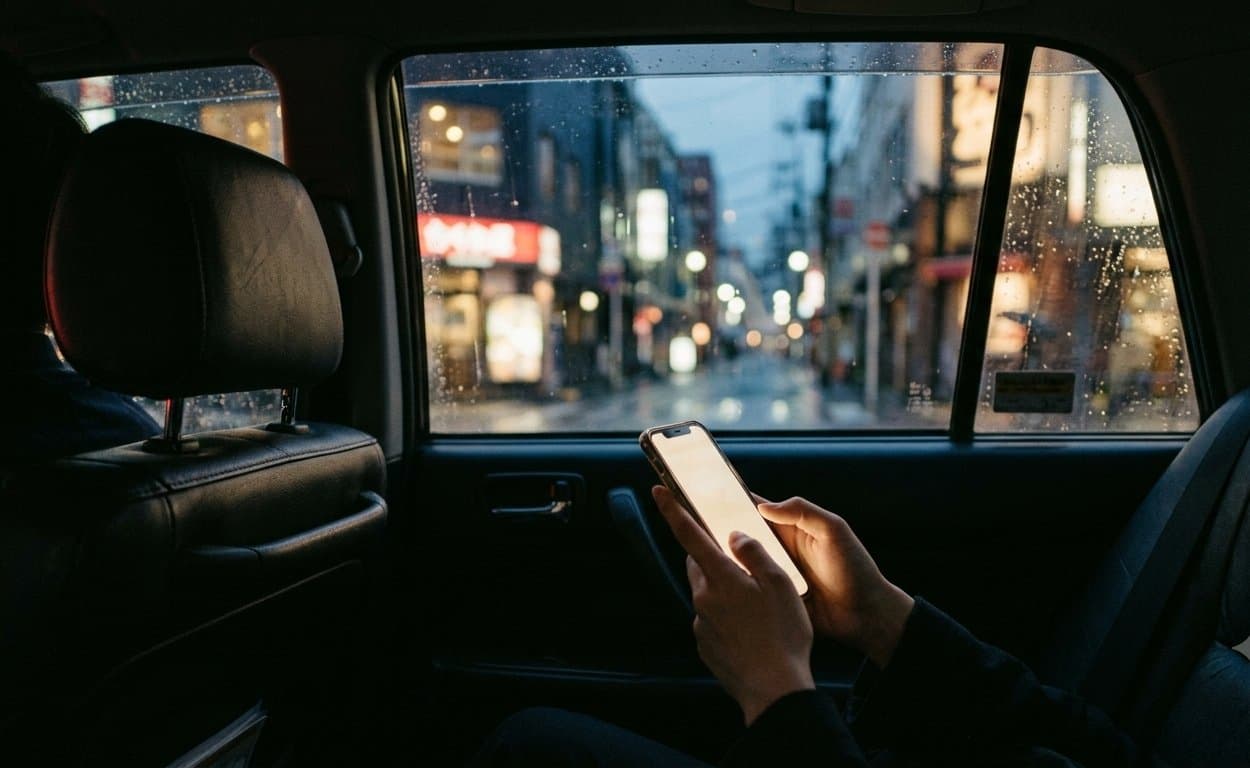
“Something goes wrong at midnight in Tokyo, I'm the one who fixes it.”
That line matters more when the button to reach me is sitting inside the guide you already have open.
Tell me where you want to go